A colorimeter takes twenty minutes and settles the argument
A colorimeter or spectrophotometer takes twenty minutes and settles most arguments about whether the file or the screen is wrong.
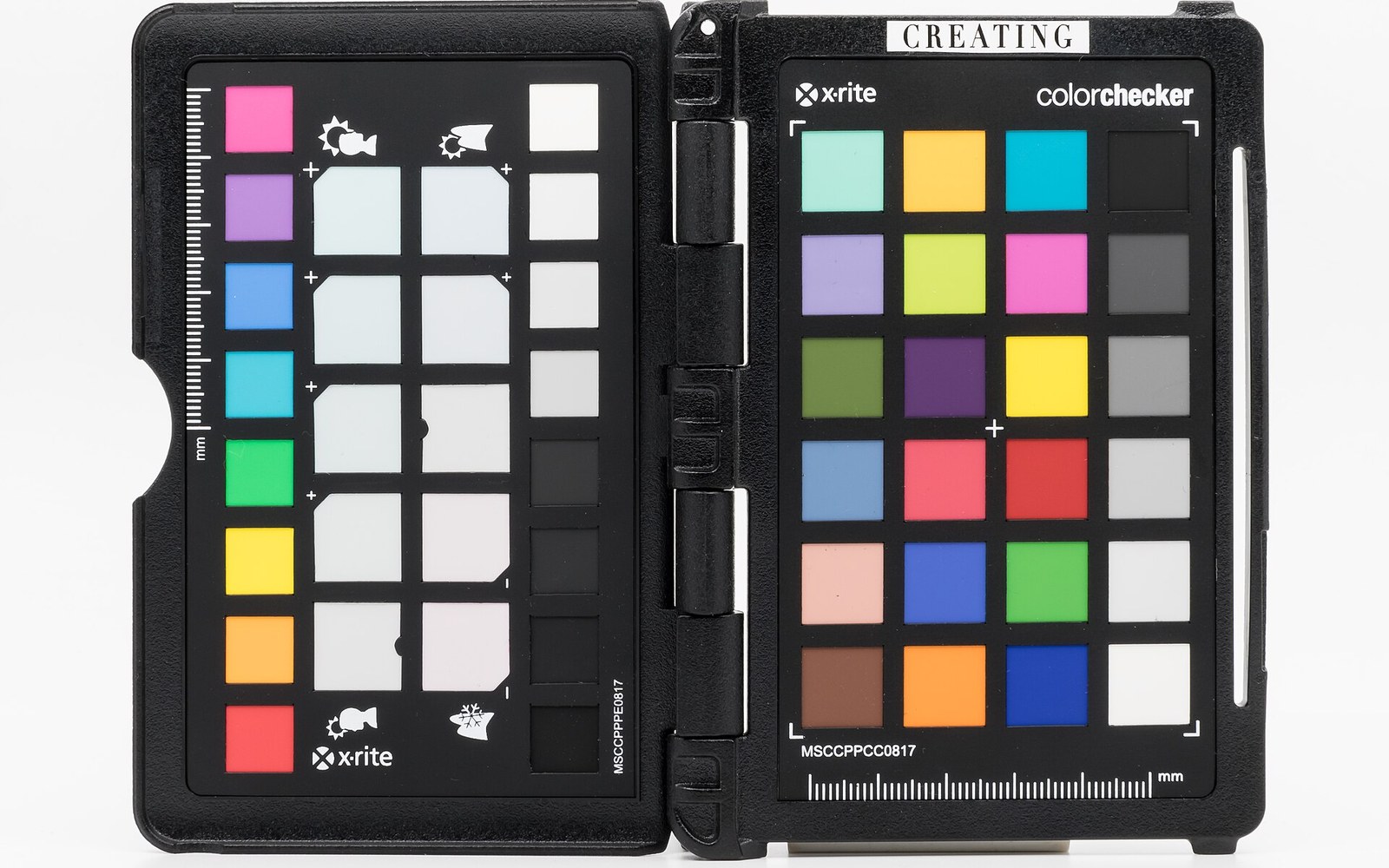
What calibration actually measures
Every LCD, OLED and LED panel ships with a factory profile, and every factory profile assumes a fresh panel with a particular backlight. Panels age. The backlight dims unevenly. The white point drifts toward yellow or blue, slowly enough that the eye adjusts and never notices — until a print comes back wrong, or a file opened on another screen looks nothing like the one on the desk. Calibration does not fix the hardware; it measures what the hardware is actually doing and builds an ICC profile ↗ that tells the operating system how to compensate for the gap between what the panel claims to show and what it is showing.
The measurement is done with a device held against the glass: either a colorimeter, which filters light through physical glass elements and reads it fast and cheaply, or a spectrophotometer, which measures across the full visible spectrum and is more accurate for wide-gamut panels and critical print work. Calibrite and Datacolor make the two most common consumer lines — the Calibrite ColorChecker Display and the Datacolor SpyderX both cost roughly what a half-day of frustrated reprints costs, and both take around twenty minutes including the software walk-through. The device reads a sequence of patches the software throws on screen, builds a correction curve, and writes an ICC profile that sits in the operating system's colour management stack.
The profile in use
Once a profile exists, it only works if colour management is actually running. Lightroom Classic, Photoshop, Capture One and darktable all honour the monitor profile automatically; they pass values through the ICC profile on the way to the display, so what is shown is what the working file intends. An app that ignores colour management — a browser with it switched off, or a carelessly written viewer — shows raw display values and will look different, sometimes very different on a wide-gamut panel. This is the single most common explanation for "it looked fine here and terrible on the phone": the editing application was colour-managed and the phone's viewer was not, or the export was tagged sRGB ↗ correctly but the destination was not reading the tag.
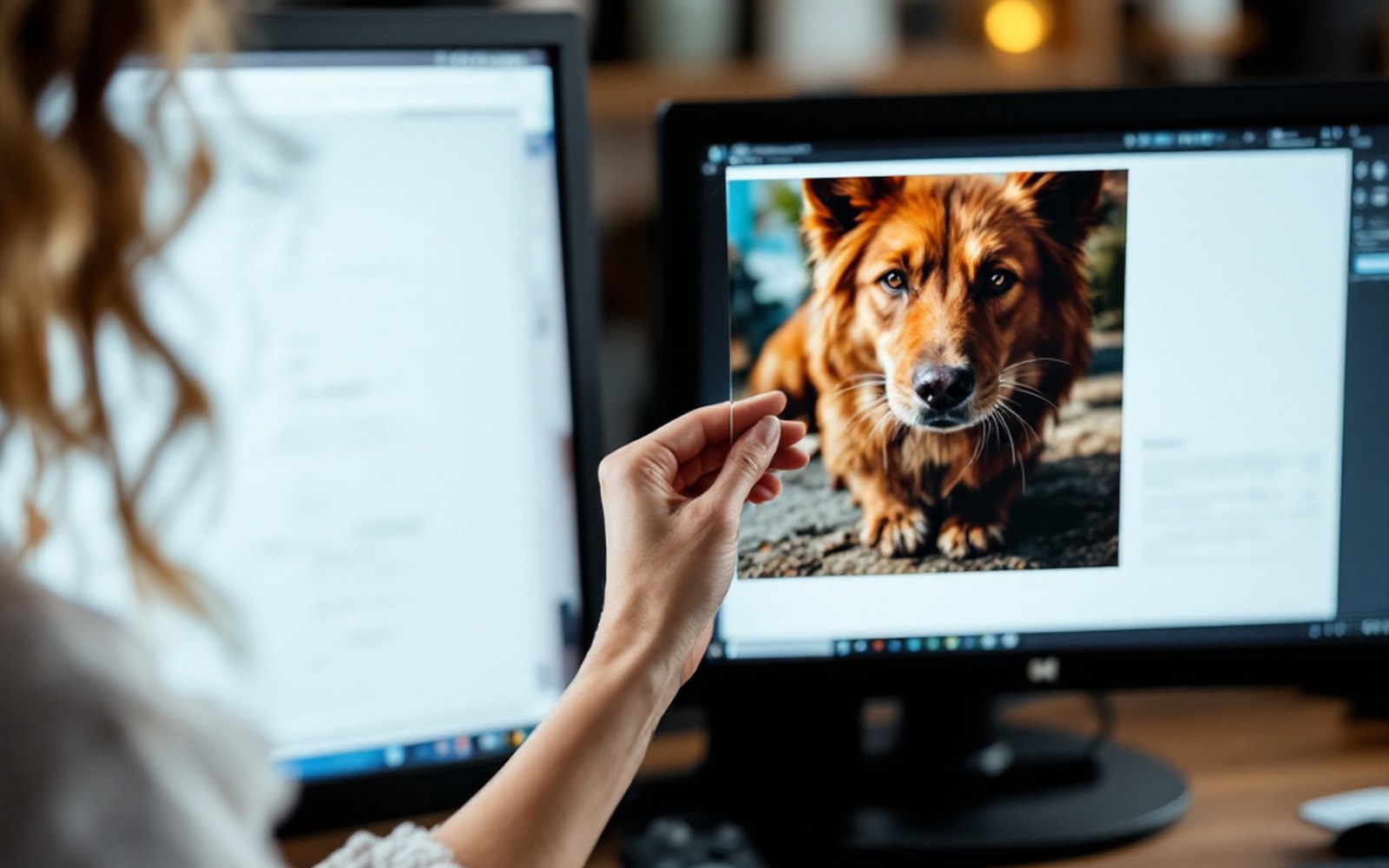
A calibrated display also makes soft-proofing meaningful. Soft proof, in Lightroom or Photoshop, is a simulation of how a file will look under a specific print or output profile — it converts the file's colours into the gamut of the printer or paper and shows what will be clipped or shifted. That simulation is only trustworthy if the screen it runs on is itself trustworthy. A drifted, uncalibrated monitor makes every soft proof a guess.
When and how often
The rule of thumb is once a month for a monitor in regular use, and always after moving hardware or changing the room's ambient light significantly. Calibration software prompts at intervals; let it. A monitor that has been calibrated once and never touched since is not a calibrated monitor — it is a monitor that was calibrated. The improvement from a first calibration is dramatic; the improvement from maintaining it is subtler but real, and it is what keeps prints matching screens across months rather than just the week after the last session.
The target for most photographic work is D65 (6500 K) for the white point and a gamma of 2.2, which the IEC standard for sRGB ↗ specifies as the reference condition for consumer display content. Wide-gamut panels aimed at print work are often profiled to D50 (5000 K) to align with print-viewing conditions. The software will offer choices; D65 at 2.2 is correct for the overwhelming majority of photographers editing for screen and occasional printing.