Photopea runs Photoshop in a tab without installing
Photopea runs a Photoshop-shaped editor inside a browser tab — which tells you almost everything about what it can do, and what it cannot.

What Photopea is
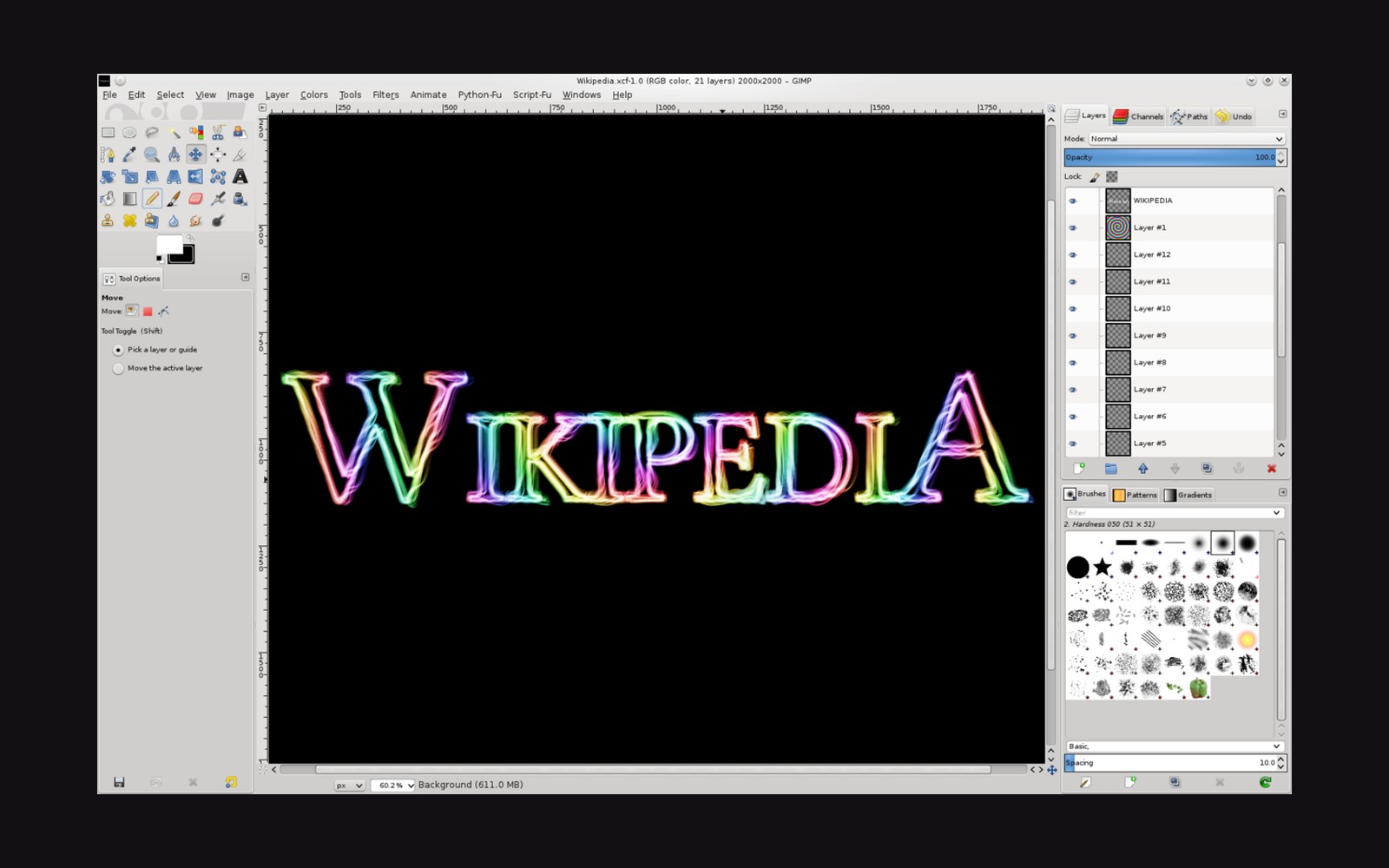
Ivan Kutskir built Photopea as a solo project and launched it in 2013. It runs entirely in the browser: no download, no account required, no platform restriction. Open a tab, open a file, and the interface resolves into something that looks almost exactly like an older version of Photoshop — layers panel on the right, toolbar on the left, menu bar across the top. PSD files open correctly; so do XCF files from GIMP and Sketch documents. Affinity Photo users have reported clean round-trips too.
The editing vocabulary is genuinely wide. Adjustment layers, masks, blend modes, curves, levels, healing brushes, smart objects: they are all there, and they behave as expected. For someone who knows Photoshop and needs to work on a borrowed machine, Photopea is fast and functional ↗ in a way that browser tools usually are not. As of 2025 it carries ads unless a user pays a subscription of around eight dollars a month (the figure appears on the Photopea pricing page), but the ads are unobtrusive and the full feature set is available without paying.
Where the ceiling is
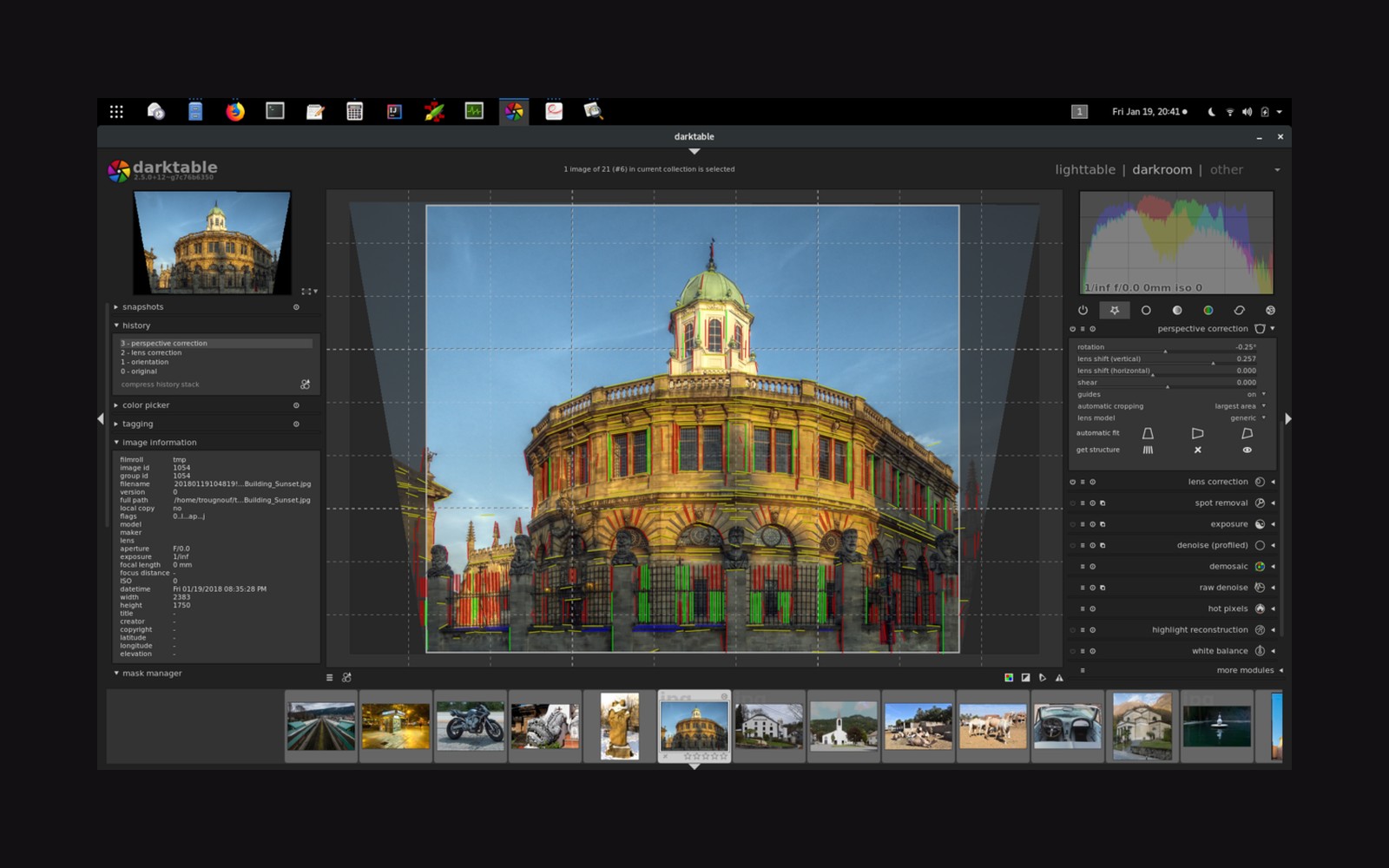
The ceiling appears at the raw converter. Photopea will open a raw file — it reads CR2, CR3, NEF, ARW and others — but the processing it applies is basic. There is no parametric masking, no selective colour editor worth the name, no tone curve with the depth that a dedicated raw converter offers. What arrives from the raw is a developed JPEG handed to the layer stack; the original sensor data is effectively discarded. For anyone whose work begins in raw and depends on non-destructive edits travelling through to export, that is a meaningful gap. Output sharpening decisions, colour space handling and soft-proofing for print are present in outline but thin compared with desktop tools.
The other ceiling is performance. Large layered files and high-resolution composites slow the tab ↗ in ways a native application does not, because the browser's Canvas API sits between the editor and the GPU. This is not a criticism of Photopea specifically — it is a property of the platform.
What Photopea demonstrates is that a genuinely useful image editor can now live in infrastructure most people already have. The use case it fits exactly is pixel editing on a machine where installing software is not an option. For raw work, a dedicated converter still does more with the data. Knowing which job belongs where is most of the decision.